File Menu (फ़ाइल मेनू) :-
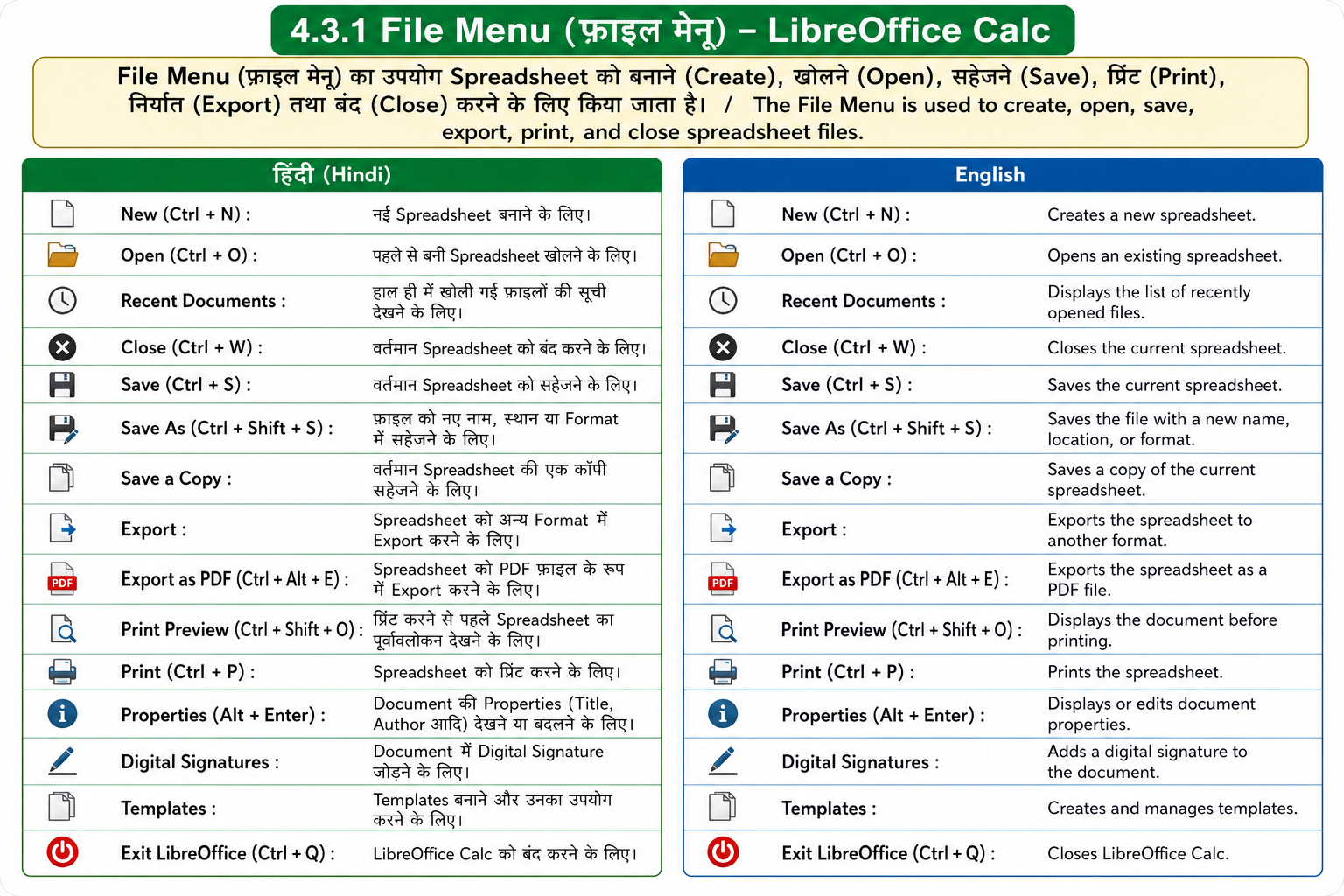
File Menu (फ़ाइल मेनू) का उपयोग Spreadsheet को बनाने (Create), खोलने (Open), सहेजने (Save), प्रिंट (Print), निर्यात (Export) तथा बंद (Close) करने के लिए किया जाता है।
- New (Ctrl + N): नई Spreadsheet बनाने के लिए।
- Open (Ctrl + O): पहले से बनी Spreadsheet खोलने के लिए।
- Recent Documents: हाल ही में खोली गई फ़ाइलों की सूची देखने के लिए।
- Close (Ctrl + W): वर्तमान Spreadsheet को बंद करने के लिए।
- Save (Ctrl + S): वर्तमान Spreadsheet को save करने के लिए।
- Save As (Ctrl + Shift + S): फ़ाइल को नए नाम, स्थान या Format में save करने के लिए।
- Save a Copy: वर्तमान Spreadsheet की एक कॉपी सहेजने के लिए।
- Export: Spreadsheet को अन्य Format में Export करने के लिए।
- Export as PDF (Ctrl + Alt + E): Spreadsheet को PDF फ़ाइल के रूप में Export करने के लिए।
- Print Preview (Ctrl + Shift + O): प्रिंट करने से पहले Spreadsheet का पूर्वावलोकन देखने के लिए।
- Print (Ctrl + P): Spreadsheet को प्रिंट करने के लिए।
- Properties (Alt + Enter): Document की Properties (Title, Author आदि) देखने या बदलने के लिए।
- Digital Signatures: Document में Digital Signature जोड़ने के लिए।
- Templates: Templates बनाने और उनका उपयोग करने के लिए।
- Exit LibreOffice (Ctrl + Q): LibreOffice Calc को बंद करने के लिए।
English
The File Menu is used to create, open, save, export, print, and close spreadsheet files.
- New (Ctrl + N): Creates a new spreadsheet.
- Open (Ctrl + O): Opens an existing spreadsheet.
- Recent Documents: Displays the list of recently opened files.
- Close (Ctrl + W): Closes the current spreadsheet.
- Save (Ctrl + S): Saves the current spreadsheet.
- Save As (Ctrl + Shift + S): Saves the file with a new name, location, or format.
- Save a Copy: Saves a copy of the current spreadsheet.
- Export: Exports the spreadsheet to another format.
- Export as PDF (Ctrl + Alt + E): Exports the spreadsheet as a PDF file.
- Print Preview (Ctrl + Shift + O): Displays the document before printing.
- Print (Ctrl + P): Prints the spreadsheet.
- Properties (Alt + Enter): Displays or edits document properties.
- Digital Signatures: Adds a digital signature to the document.
- Templates: Creates and manages templates.
- Exit LibreOffice (Ctrl + Q): Closes LibreOffice Calc.