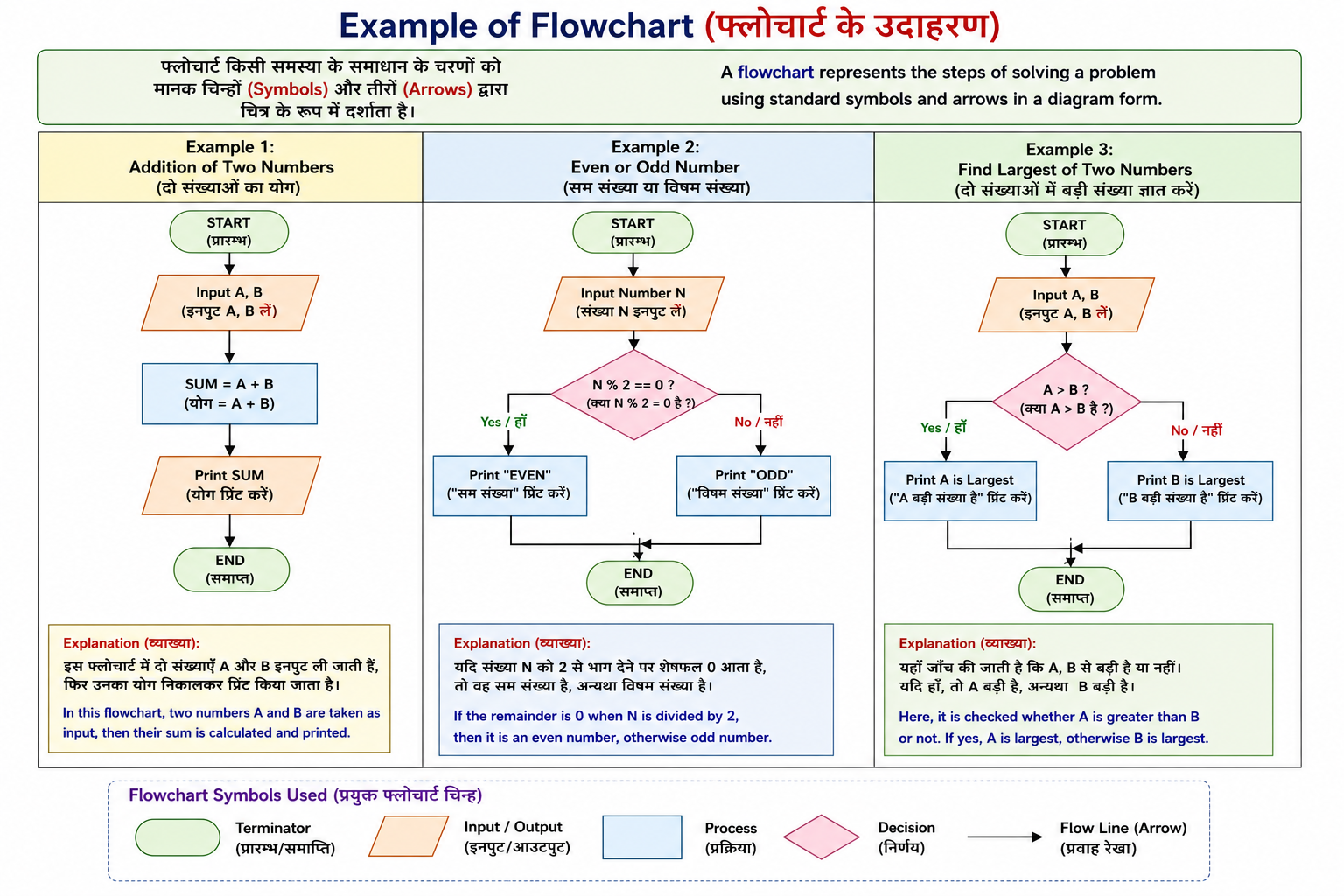
Flowchart :-
Flowchart (फ्लोचार्ट) किसी Algorithm (एल्गोरिद्म) का Graphical Representation (चित्रात्मक प्रस्तुतीकरण) होता है।
इसमें किसी Program या Problem के सभी Steps को Standard Symbols (मानक चिन्हों) तथा Arrows (तीरों) की सहायता से क्रमबद्ध (Step-by-Step) रूप में दर्शाया जाता है।
Flowchart Program लिखने से पहले बनाया जाता है ताकि Logic आसानी से समझ में आए और Program में Errors कम हों।
सरल परिभाषा (Exam Definition):
Flowchart किसी समस्या के समाधान (Solution) के सभी चरणों (Steps) को मानक चिन्हों (Standard Symbols) और तीरों (Arrows) द्वारा चित्र के रूप में प्रदर्शित करने की विधि है।
English
A Flowchart is a graphical representation of an algorithm.
It shows all the steps of solving a problem using standard symbols connected by arrows.
It is prepared before writing the program to understand the logic and reduce programming errors.
Exam Definition
A Flowchart is a graphical representation of an algorithm that uses standard symbols and arrows to show the sequence of steps required to solve a problem.
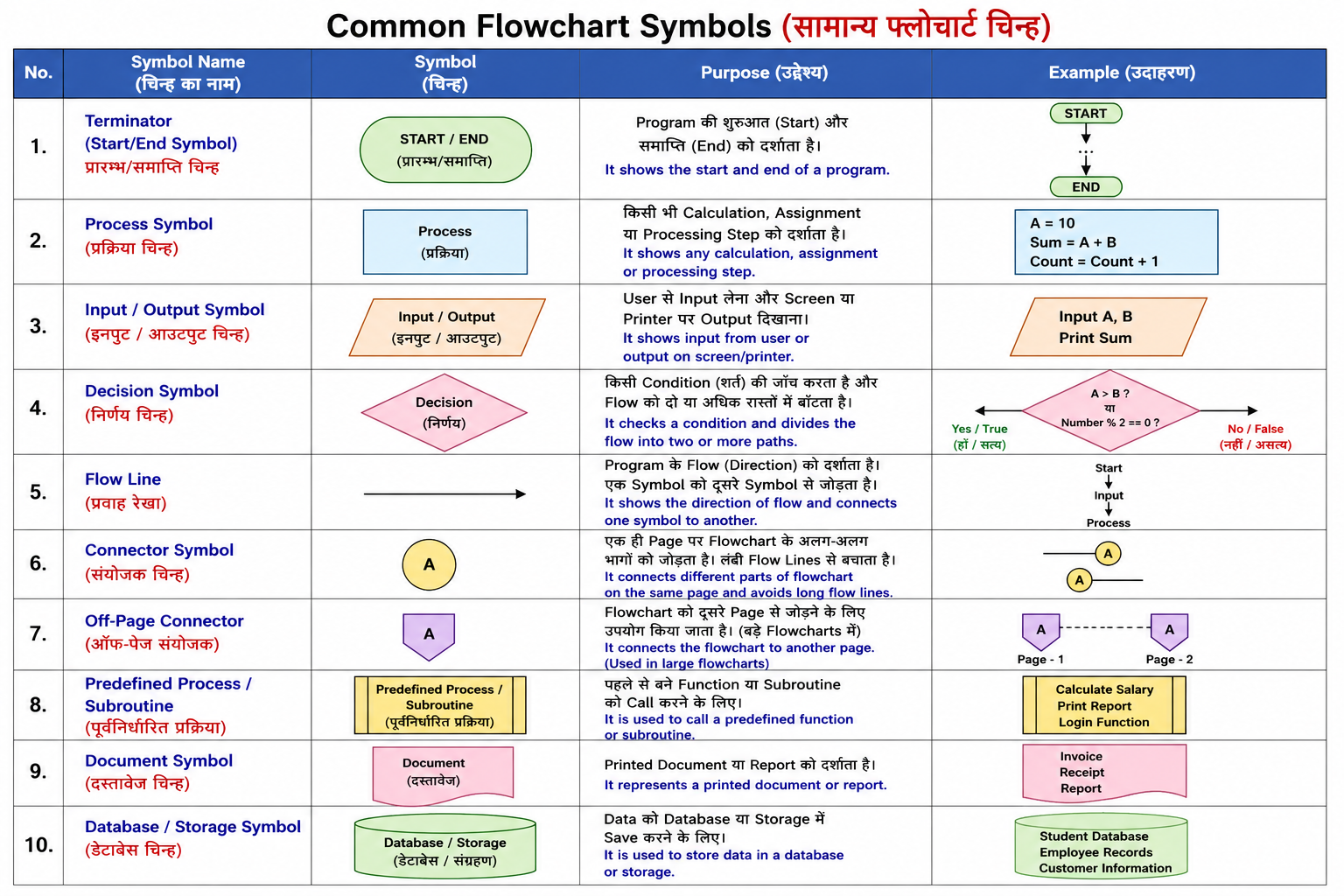
Common Flowchart Symbols (सामान्य फ्लोचार्ट चिन्ह):-
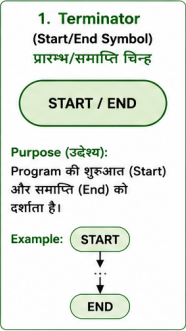
1. Terminator (Start/End Symbol) – प्रारम्भ/समाप्ति चिन्ह
Shape (आकार): Oval (अंडाकार)
Purpose (उद्देश्य):
- Program की शुरुआत (Start) और समाप्ति (End) को दर्शाता है।
Example:
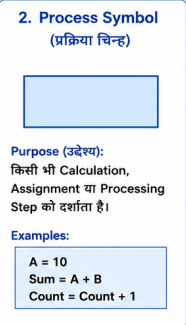
2. Process Symbol (प्रक्रिया चिन्ह)
Shape (आकार): Rectangle (आयत)
Purpose (उद्देश्य):
- किसी भी Calculation, Assignment या Processing Step को दर्शाता है।
Examples:
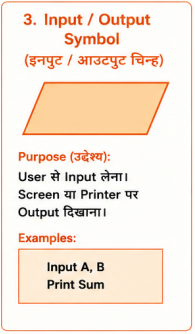
3. Input / Output Symbol (इनपुट / आउटपुट चिन्ह):-
Shape (आकार): Parallelogram (समांतर चतुर्भुज)
Purpose (उद्देश्य):
- User से Input लेना।
- Screen या Printer पर Output दिखाना।
Examples:
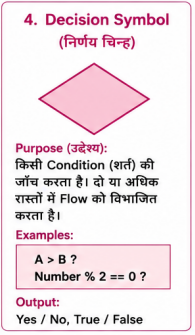
4. Decision Symbol (निर्णय चिन्ह)
Shape (आकार): Diamond (हीरा आकार)
Purpose (उद्देश्य):
- किसी Condition (शर्त) की जाँच करता है।
- दो या अधिक रास्तों (Branches) में Flow को विभाजित करता है।
Examples:
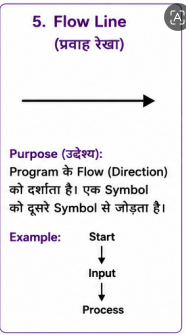
5. Flow Line (प्रवाह रेखा)
Shape: Arrow (→)
Purpose (उद्देश्य):
- Program के Flow (Direction) को दर्शाता है।
- एक Symbol को दूसरे Symbol से जोड़ता है।
Example:
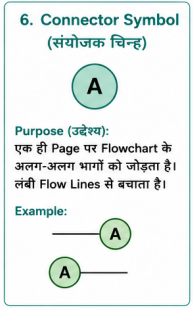
6. Connector Symbol (संयोजक चिन्ह)
Shape (आकार): Small Circle (छोटा वृत्त)
Purpose (उद्देश्य):
- एक ही Page पर Flowchart के अलग-अलग भागों को जोड़ता है।
- लंबी Flow Lines से बचाता है।
Example:
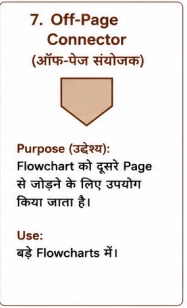
7. Off-Page Connector (ऑफ-पेज संयोजक)
Shape: Pentagon (पंचभुज)
Purpose (उद्देश्य):
- Flowchart को दूसरे Page से जोड़ने के लिए उपयोग किया जाता है।
Use:
- बड़े Flowcharts में।
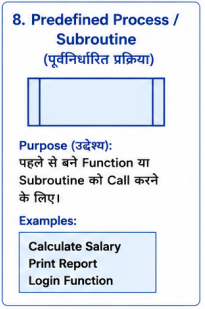
8. Predefined Process / Subroutine (पूर्वनिर्धारित प्रक्रिया)
Shape: Rectangle with Double Vertical Lines
Purpose (उद्देश्य):
- पहले से बने Function या Subroutine को Call करने के लिए।
Examples:
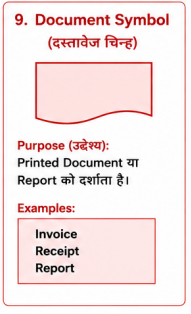
9. Document Symbol (दस्तावेज़ चिन्ह)
Shape: Rectangle with Wavy Bottom
Purpose (उद्देश्य):
- Printed Document या Report को दर्शाता है।
Examples:
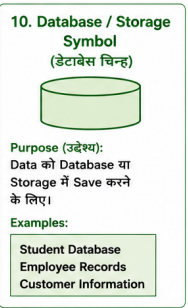
10. Database / Storage Symbol (डेटाबेस चिन्ह)
Shape: Cylinder (बेलनाकार)
Purpose (उद्देश्य):
- Data को Database या Storage में Save करने के लिए।
Examples:
Example of Flowchart :-